
Humid Weather Tablet Care Guide: Prevent Moisture Damage and Extend Device Lifespan
As high temperature and humid weather prevail in summer, portable tablets are prone to hidden faults caused by excessive moisture, including screen fogging, internal circuit dampness, slow system response, and even short-circuit damage. For users who rely on tablets for office work, study and entertainment, scientific humid environment maintenance is essential to stabilize device performance. Gisentec Group, a professional provider of portable smart device solutions, releases practical tablet maintenance tips for humid conditions to help users avoid moisture-related failures.
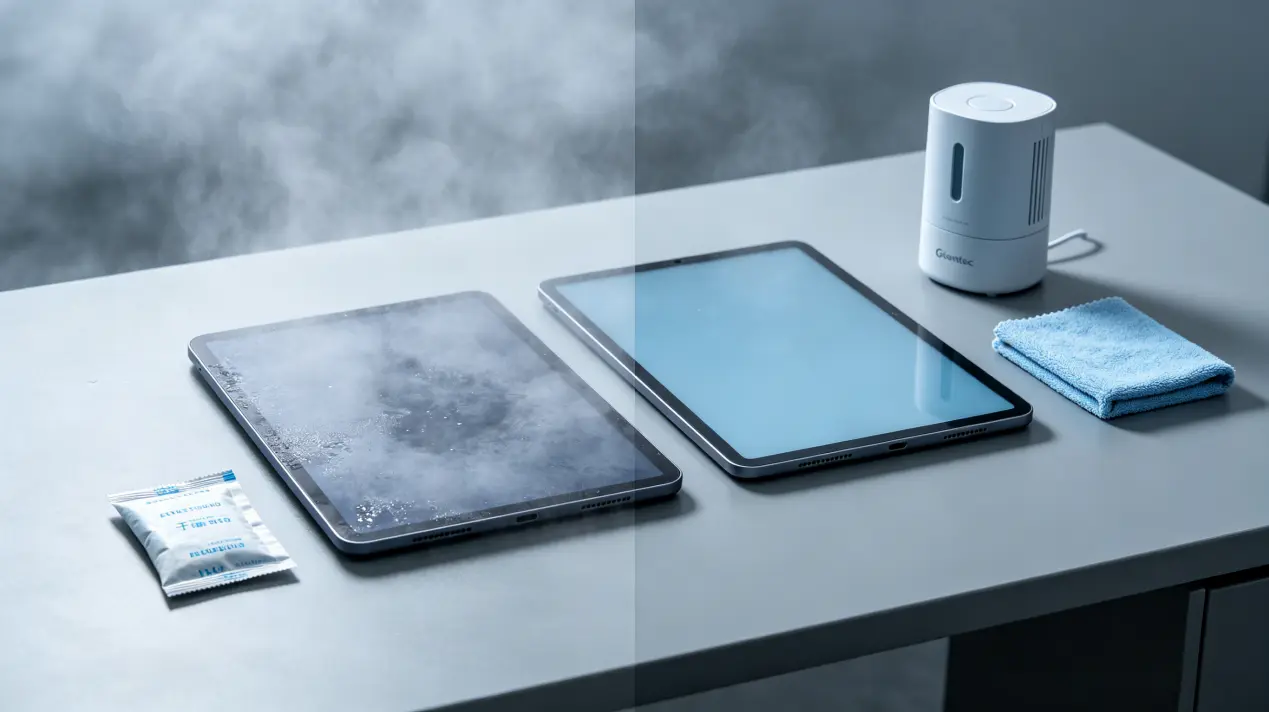
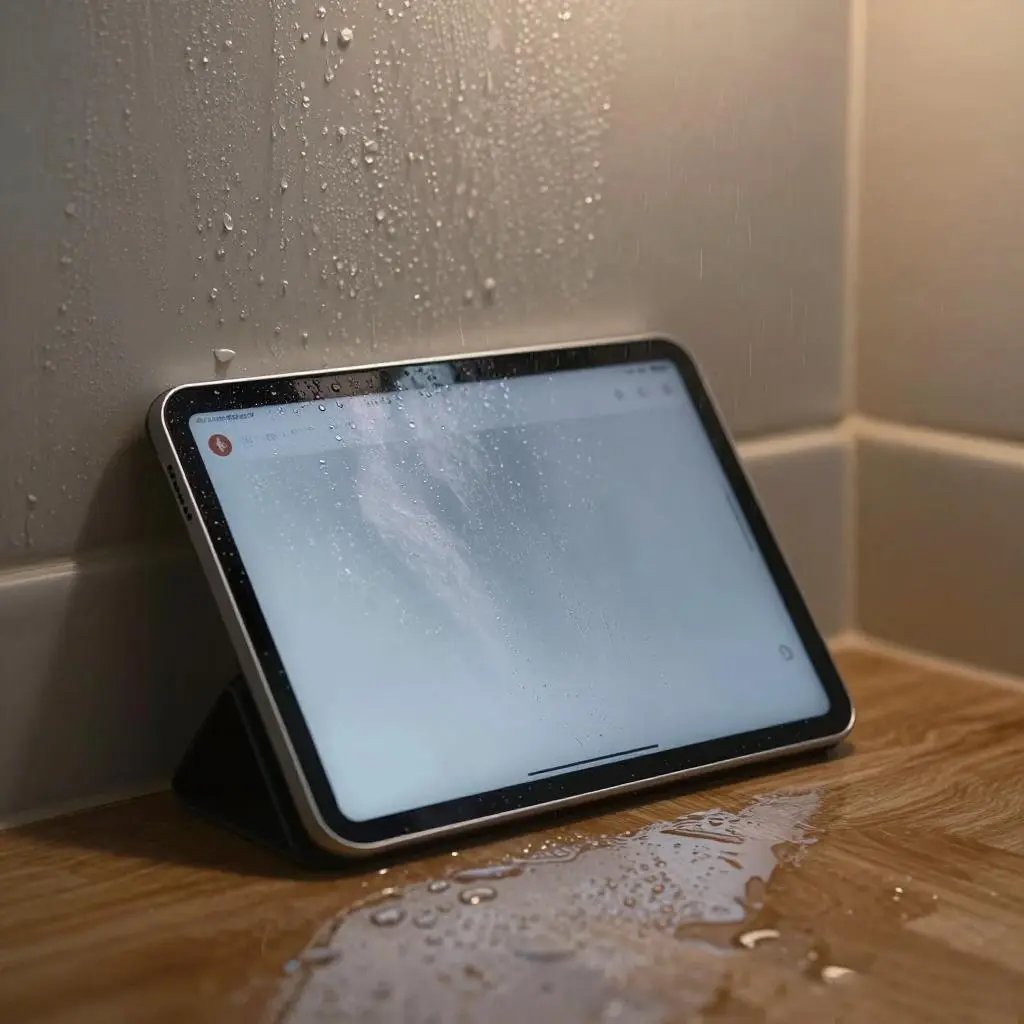
First, optimize the daily usage environment. It is not recommended to use or place tablets in closed humid spaces such as bathrooms, unventilated bedrooms and balconies with heavy dew. Users should keep the usage area well-ventilated and maintain indoor air circulation through air conditioners, dehumidifiers or electric fans, keeping the ambient humidity within 40%-60%, the most suitable range for smart electronic devices. When using tablets for a long time in humid outdoor environments, avoid direct contact of the device with moist air and water vapor, and wipe the device surface with a dry soft cloth in time after use.
Second, standardize daily storage and protection. When tablets are not in use for a long time, do not place them on wooden tables, sofas and other moisture-absorbing surfaces. It is recommended to store them in dry, ventilated and dust-proof storage bags, and place desiccant appropriately to absorb residual moisture in the air. Do not use sealed plastic bags for long-term storage, which will easily cause moisture accumulation inside the bag and corrode internal components. In addition, avoid placing tablets on the ground or near walls with high humidity to prevent bottom dampness.
Third, handle accidental dampness correctly. If the tablet screen appears foggy or the device accidentally gets damp, users must turn off the power immediately and cut off all power supplies to prevent short circuits and component burnout caused by current passing through damp circuits. Do not charge, boot or operate the device forcibly. Place the tablet in a dry and ventilated environment for natural air drying, and never use hair dryers, heaters and other high-temperature equipment for baking, which will easily damage the screen layer, battery and internal precision parts.
Finally, strengthen regular inspection and maintenance. In humid seasons, users can regularly check the tablet charging port, speaker holes and heat dissipation holes for moisture and dust accumulation. If there is abnormal sound, slow touch response or frequent flash screen after startup, it indicates that the internal components may be damp. It is recommended to send the device to Gisentec Group’s official after-sales service center for professional inspection and dehumidification maintenance in time, to eliminate hidden dangers and ensure stable long-term operation of the tablet.
Gisentec Group always focuses on user experience and device full-life cycle maintenance. In addition to humid environment maintenance guidelines, the brand will continue to release targeted portable device maintenance strategies to help every user protect their equipment and maximize product value.
Post time: Jun-30-2026