
In the fast-paced world of technology manufacturing, one question I hear constantly from clients—whether they are sourcing directors like James in the USA or school district administrators—is about longevity. When you are buying a new fleet of devices, you need to know the return on investment. Specifically, long do computers last, and does the sleek form factor of an all-in-one pc compromise its durability?
My name is David Xu, and at Gisentec, we have spent over a decade perfecting the R&D behind reliable computing hardware. From rugged tablets to high-performance laptops, we understand that a pc is an investment. This article is worth reading because we will strip away the marketing fluff and look at the engineering reality. We will explore why pcs fail, how the all-in-one computer stacks up against desktops, and provide actionable tips to extend their lifespan. Whether you are managing a corporate office or a home setup, understanding these factors will save you money and frustration.
What is the Average Usage Period for PCs and How Long Do All-in-One PCs Typically Last?
When trying to determine how long do computers last, we must first categorize the device. Generally, a traditional desktop pc has the longest lifespan, often running reliably for 5 to 8 years. In contrast, laptops usually have a slightly shorter window, around 3 to 5 years, due to battery degradation and physical wear. An all-in-one pc typically falls somewhere in the middle.
Most industry data and our own internal testing suggest that all-in-one pcs typically last between 4 to 6 years. This duration depends heavily on the build quality and the environment. Because an all-in-one computer combines the monitor and the pc components into a single chassis, it shares some vulnerabilities with laptops, yet benefits from a stationary life like desktops.
However, "lasting" is subjective. A pc might still turn on after 7 years, but if the operating system is sluggish and it cannot handle basic video editing or modern web browsing, it has effectively reached the end of its lifespan. For business buyers, the cycle is usually determined by the warranty period and the software support window. A consumer behavior survey often reveals that users replace their pc not because of total hardware failure, but because the pc has become too slow for their needs.
Why Might an All-in-One Computer Have a Shorter Lifespan Compared to a Traditional Desktop?
The primary reason an all-in-one pc might experience a shorter lifespan compared to a standard desktop tower is thermal management. Traditional desktops have spacious cases with large fans that create excellent airflow. An all-in-one features a compact design and space-saving aesthetics, which forces manufacturers to pack hot components tightly together behind the screen.
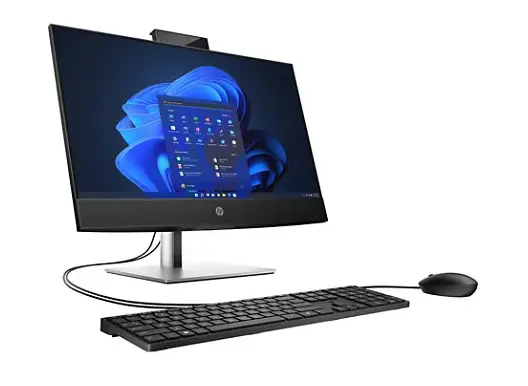
This density leads to heat dissipation challenges. Heat retention and maintain stable temperatures are harder to achieve in a slim chassis. While a tower pc can easily vent hot air, an all-in-one pc relies on intricate, smaller cooling solutions. Over time, prolonged exposure to high temperatures can degrade internal components faster than in a cool-running tower.
Furthermore, unlike desktop pcs, all-in-one pcs are difficult to repair. If the monitor on your all-in-one computer fails, the entire pc is often rendered useless. In a tower setup, you would just buy a new screen. This integration is a double-edged sword: it offers a beautiful, wire-free desk, but it introduces a single point of failure that can dictate when it is time to replace your pc.
How Do Advanced Cooling Systems Designed to Minimize Heat Retention Affect Longevity?
To combat the heat issue, manufacturers like us invest heavily in cooling systems designed to minimize thermal stress. In high-quality units, you will find advanced cooling systems designed to channel airflow precisely over the cpu and graphics card. These systems use heat pipes and specialized fans to ensure the pc stays within safe operating limits.
Some premium models and market leaders like Geekom are equipped with advanced cooling technology, and we apply similar principles in our ODM manufacturing. We utilize liquid cooling solutions in high-performance models to pull heat away from the processor more efficiently than air alone. Liquid cooling allows the pc to sustain higher speeds for longer periods without overheating.
A robust cooling system is vital to minimize heat retention and maintain the health of the motherboard. Systems designed to minimize heat buildup ensure that the solder joints and capacitors do not expand and contract excessively, which is a common cause of board failure. If a pc can maintain stable performance with powerful cooling, it will almost certainly outlast a unit that constantly thermal throttles.
Do Gaming and Video Editing Workloads Cause Accelerated Component Wear?
Your usage pattern plays a massive role in how long do computers last. A pc used solely for spreadsheets will last longer than one used for gaming or 4K video editing. These resource-intensive tasks push the cpu and graphic components to their limits, generating significant heat.
Gaming rigs and workstations for video editing often see accelerated component wear. The graphics card and processor run at high voltages, and the fans spin at maximum RPM. This mechanical stress can lead to fan failure or malfunction over time. Heavily used components naturally degrade faster due to electromigration, a phenomenon where electrons physically move atoms in the chip over years of high-current use.
However, this doesn't mean you shouldn't use your pc for these tasks. It just means you require a pc that is better suited for the job. Using a consumer-grade all-in-one pc with weak cooling for hardcore gaming will likely lead to a shorter lifespan. Conversely, a workstation-class pc built for video editing will handle the load comfortably.
What Internal Components Are Most Likely to Cause Hardware Failure?
When a pc fails, it is rarely the whole machine dying at once. It is usually a specific part. Components like HDDs (Hard Disk Drives) are notorious for failure because they contain moving parts. Inside a traditional hard drive, a magnetic head reads data while hovering just 0.00001mm from the disk. Any drop or shock can cause a crash.
In contrast, components like memory (RAM) and SSDs (Solid State Drives) have no moving parts. RAM remains one of the most reliable parts of a pc; it rarely fails unless it is defective from the factory. Similarly, SSDs are resistant to shock and wear, making them a durable and cost-effective upgrade over HDDs. Using electrical currents to store data is simply more reliable than spinning platters.
The power supply unit (PSU) is another critical failure point. In an all-in-one pc, the PSU is often external (like a laptop brick) or integrated onto the board. If the internal power regulation fails due to a surge or heat, it can lead to an inability to power the system. This is why we always recommend using surge protectors to protect your pc.
How Does Dust Accumulation on Fans Impact the PC Cooling System?
Environment is a huge factor affecting the life of a pc. PCs placed in locations with high dust, pet hair, or smoke are highly vulnerable due to dust accumulation on fans. Dust acts as an insulator. When it coats the heat sinks, it prevents heat dissipation.
This leads to increasing internal temperatures. The cooling system has to work harder, spinning the fans faster, which draws in even more dust—a vicious cycle. Eventually, the pc may malfunction or shut down to protect itself. Complete failure occurs when the cpu or graphics card overheats to the point of permanent damage.
To help extend the life of your pc, regular cleaning is essential. Compressed air can clear out the vents. For businesses, we design our 10.1 Inch Rugged Tablet GS10N and industrial pcs with sealed chassis options to prevent this exact issue. Dust accumulation is a silent killer of the desktop pc and all-in-one computer alike.
Can Upgrading Components Help Extend the Life of an All-in-One PC?
One of the main tips to improve system longevity is the upgrade. Adding more ram or swapping a slow HDD for a fast SSD can breathe new life into an aging pc. However, with an all-in-one pc, this is tricky.
All-in-one pcs typically have limited upgrade paths. While traditional desktops allow you to change the motherboard, cpu, graphics card, and power supply, an AIO often only lets you access the RAM and storage. Making it difficult to repair or improve is a trade-off for the slim design. Components such as cpus are frequently soldered down.
Despite this, upgrading the storage to a 1TB SSD is a great choice if your pc feels slow. It eliminates the bottleneck of data access. If you need a machine that is easier to upgrade, a standard desktop pc or a modular laptop like our 15.6 Inch Laptop X7S-6 might be a better investment than a sealed all-in-one.
When Is the End of Its Lifespan and Time to Replace Your PC?
Knowing when to retire a pc is an art. The end of its lifespan isn't always marked by a puff of smoke. Often, it is a gradual decline. If your pc takes ten minutes to boot, struggles to open large spreadsheets, or cannot run the latest security updates for its operating system, it is likely time to replace your pc.
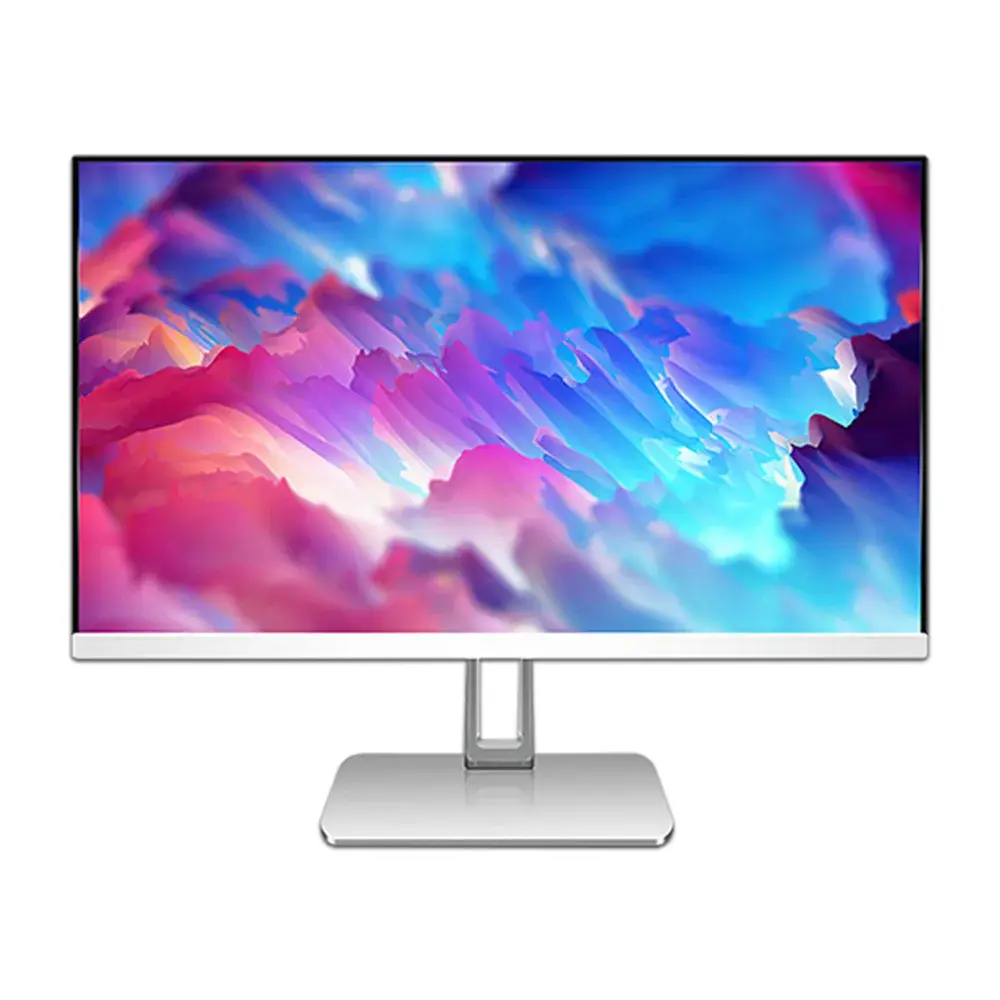
Another sign is noise. If the fans are screaming constantly even when the pc is idle, the cooling system might be failing or the thermal paste has dried up. Frequent Blue Screens of Death (BSOD) indicate hardware failure, possibly in the ram or motherboard.
From a business perspective, if the cost of maintenance (IT hours fixing bugs, downtime for employees) exceeds the cost of a new computer, replace it. Buying a new pc is often cheaper than keeping a zombie pc alive. Manufacturers provide warranties usually up to 3 years; beyond that, you are on borrowed time.
What Are the Factors Affecting the Longevity of Laptops and Desktops?
Several factors affecting longevity apply to all computers, whether they are laptops and desktops or all-in-one pcs. Power quality is one. Inconsistent voltage can damage the delicate motherboard components. Using a UPS (Uninterruptible Power Supply) can help extend the life of any pc.
Physical location matters. A pc kept on the floor sucks in more dust than one on a desk. An all-in-one computer sits on the desk, which helps, but if the desk’s surface area is cluttered, airflow might be blocked. It’s best to avoid placing the pc in direct sunlight or near a radiator.
Software hygiene is also crucial. A pc clogged with malware or bloatware works harder than necessary. Using management tools to keep the OS clean reduces the load on the processor and ram. Large amounts of background processes generate heat and wear out the SSD with constant writing.
Tips to Extend Their Lifespan: Maintenance and Best Practices
So, how can you ensure your pc defies the odds and lasts 7+ years? Here are practical tips to extend their lifespan:
- Keep it Cool: Ensure your pc has breathing room. Never block the vents. If you have a laptop or AIO, ensure the cooling systems designed to minimize heat have a clear path for airflow.
- Clean Regularly: Dust your pc every 3-6 months. This prevents increasing internal temperatures.
- Surge Protection: Always plug your pc into a surge protector to guard the power supply and motherboard.
- Manage Your Storage: Don't fill your SSD to capacity. Leave 15-20% free to reduce wear leveling stress.
- Software Updates: Keep drivers and the OS updated to ensure hardware runs efficiently.
- Shut Down Occasionally: While modern pcs handle sleep mode well, a full reboot clears the ram and resets system processes.
- Handle with Care: For laptops and AIOs, be gentle. Simpler structure makes them look tough, but screens are fragile. If you need true durability, look at our 14.1 inch Rugged Laptop DS141, which is built to be resistant to shock and wear.
Why Gisentec's Approach to Manufacturing Ensures Long-Lasting PC Components
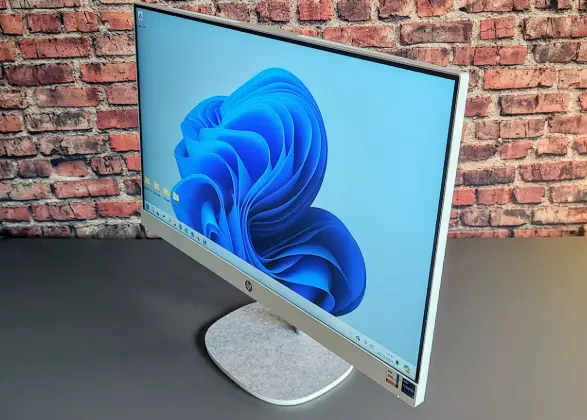
At Gisentec, we focus on long-lasting pc components because our B2B clients demand reliability. We source high-grade capacitors and utilize advanced cooling systems designed to keep our all-in-one pcs and laptops running cool. We understand that a pc is a tool for productivity.
Whether we are designing desktop towers or sleek all-in-one computers, our R&D team rigorously tests for heat dissipation and structural integrity. We know that points to watch during manufacturing include the solder quality and the thermal interface materials. By paying attention to these details, we ensure our pcs typically exceed the standard average usage period for pcs.
We also offer customization. If a client needs a specific motherboard configuration or liquid cooling for a specialized desktop pc application, we can build it. This flexibility allows us to provide lifespan estimates that you can trust.
Conclusion
To summarize, while all-in-one pcs may technically have a shorter lifespan than a well-maintained traditional desktop due to thermal constraints, they are a robust and space-saving solution for most users. By understanding the factors affecting their health—heat, dust, and component quality—you can make a smart buying decision.
- All-in-one PCs typically last 4-6 years, while desktop PCs can last 5-8 years.
- Heat dissipation is the biggest challenge; keep vents clear and use a clean environment.
- Upgrade options are limited on all-in-one computers, so buy the specs you need upfront (especially RAM and SSD).
- Components like memory and SSDs are durable, while HDDs and fans are prone to mechanical failure.
- Gaming and heavy workloads require robust cooling systems; ensure your pc is built for the task.
- Regular maintenance, such as dusting and software management, can significantly help extend the life of your pc.
- Gisentec offers durable, customizable solutions designed to withstand the rigors of business use.
If you are looking for reliable pcs that balance performance with longevity, consider exploring our range of products. A well-built pc is the backbone of modern business, and taking care of it ensures it serves you well for years to come.
Post time: Jan-06-2026