
With the arrival of the hot summer, ambient temperatures often soar above 30°C, bringing a common challenge for tablet users: overheating. As compact electronic devices with powerful processors and large screens, tablets are prone to heat accumulation during use, especially in high-temperature environments. Overheating not only affects the device’s performance, leading to lagging, frame drops, or sudden shutdowns, but also accelerates battery aging and even poses potential safety risks. To help users properly maintain their tablets and effectively protect them from overheating, we summarize practical maintenance tips and overheating protection measures.
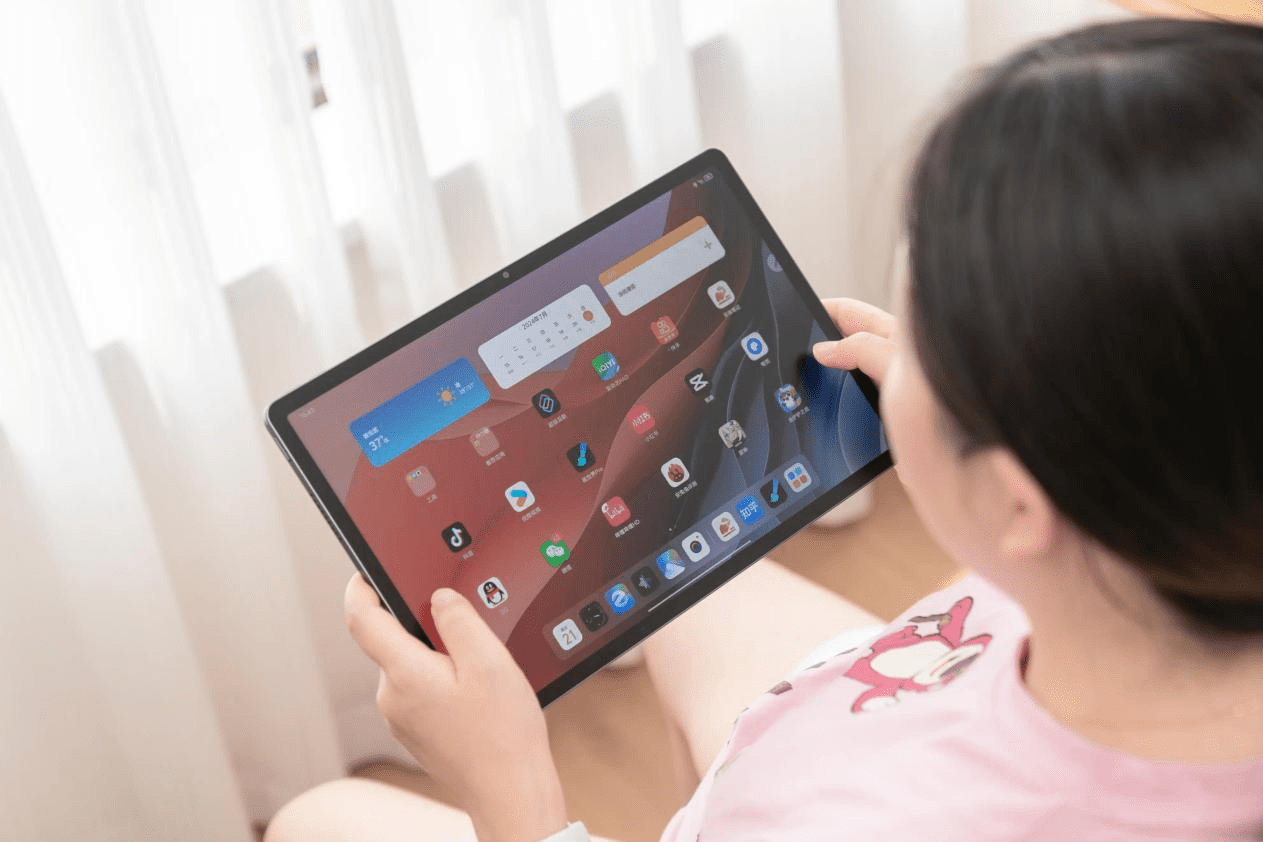
First, it is crucial to avoid using tablets in extremely high-temperature environments. Direct sunlight is one of the main causes of rapid overheating. When using tablets outdoors in summer, users should keep the device in the shade and avoid placing it on hot surfaces such as car dashboards, window sills, or blankets, as these places will block heat dissipation and cause the device temperature to rise sharply. In addition, it is recommended to remove thick or poorly heat-dissipating protective cases during use, as they will hinder the natural heat dissipation of the tablet body; choosing original or heat-dissipating protective cases can better balance protection and heat dissipation needs.
Adjusting usage habits is an effective way to prevent overheating. Tablets generate more heat when running high-load applications such as games, video editing software, or long-term video streaming. In hot weather, users should avoid using these applications for extended periods and take regular breaks to allow the device to cool down naturally. At the same time, optimizing device settings can reduce power consumption and heat generation: lowering screen brightness (or enabling automatic brightness adjustment), reducing screen refresh rate and resolution, closing unnecessary background applications, and turning on power-saving mode can all effectively reduce the load on the processor and reduce heat generation. For example, switching the screen resolution from 4K to 720P when streaming videos can significantly reduce processor strain and heat output.
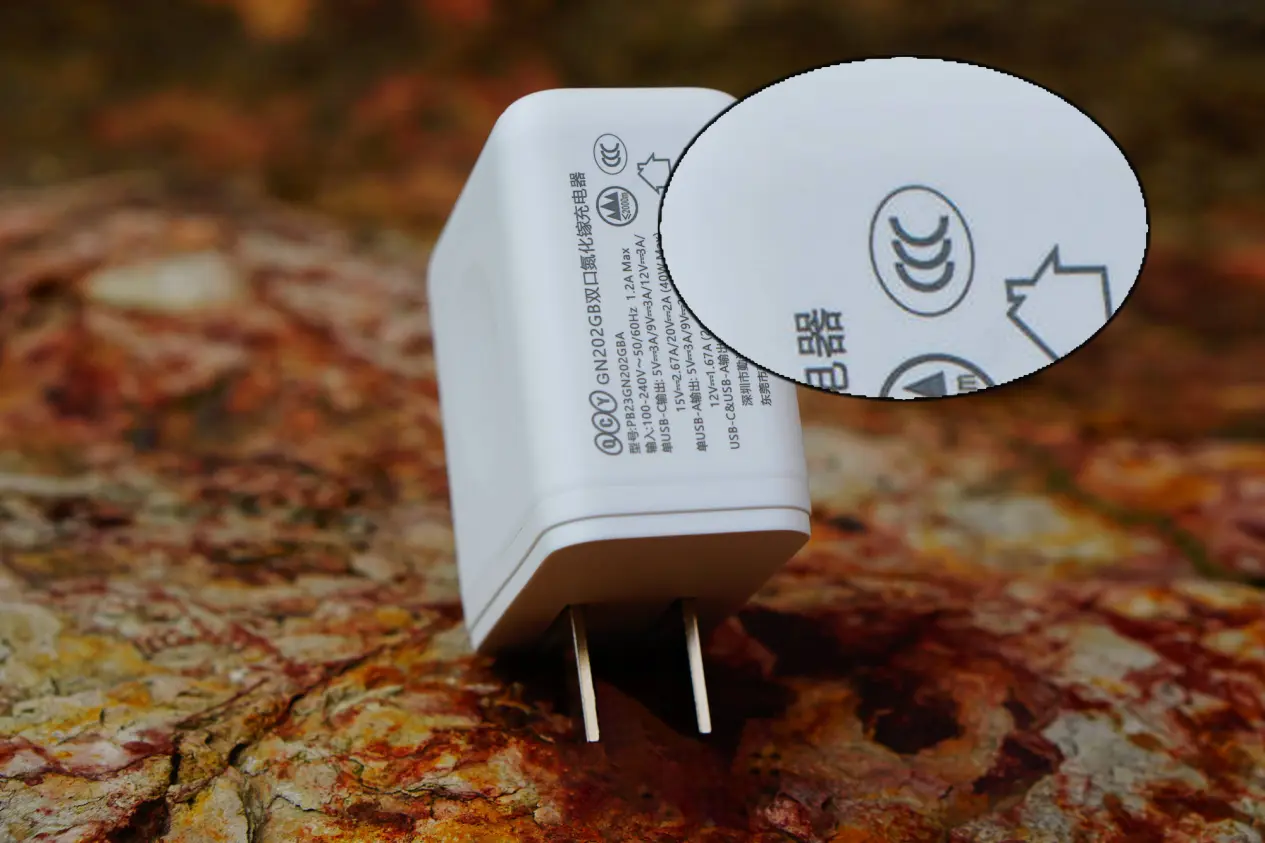
Proper charging habits are also essential for preventing overheating. Charging the tablet while using it, especially when running high-load applications, will double the heat generation, which is extremely harmful to the battery and internal components. It is recommended to charge the tablet in a cool and well-ventilated environment, avoid charging it in temperatures above 35°C, and unplug the charger promptly after the battery is fully charged to prevent overcharging from causing heat accumulation. In addition, using original chargers or third-party chargers with 3C certification can avoid unstable voltage, leading to abnormal heating and battery damage.
Understanding the tablet’s overheating protection mechanism and knowing how to respond to overheating are equally important. Most modern tablets are equipped with a thermal throttling function, which automatically reduces the processor speed when the device temperature exceeds a safe threshold to prevent overheating damage to internal components. When users feel the tablet is abnormally hot, they should stop using it immediately, move it to a cool and well-ventilated area, and remove the protective case to speed up heat dissipation. It should be noted that putting the overheated tablet in the refrigerator or freezer is strictly prohibited, as sudden temperature changes can cause condensation inside the device, leading to moisture damage to internal components. If the tablet does not cool down after 10-15 minutes of standing, it is recommended to shut it down completely to avoid further damage.
In terms of long-term maintenance, regular cleaning of the tablet’s vents and surface can ensure unobstructed heat dissipation. Dust accumulation will block the vents and reduce heat dissipation efficiency, so users can use a soft brush or compressed air (used at a safe distance) to clean the vents gently. For tablets that are not used for a long time, it is recommended to keep the battery power at around 50% and store them in a cool and dry environment to avoid extremely high temperatures accelerating battery aging. If the tablet has abnormal heating, such as excessive heat during normal use, or the temperature cannot drop after restarting and standing, users should back up their data in time and take the device to an official after-sales service center for inspection and maintenance.
Industry insiders remind that summer tablet maintenance focuses on "heat dissipation, low load, and proper charging". With the continuous upgrading of tablet performance, more and more devices are equipped with advanced cooling systems, such as liquid cooling technology, graphite heat dissipation, and thermal conductive gel, which can better cope with heat challenges in high-load scenarios. However, even with advanced cooling systems, scientific usage and maintenance are still the key to extending the device’s service life and ensuring safe use. By following the above tips, users can effectively avoid overheating problems and enjoy a smooth and safe tablet experience even in the hot summer.
Post time: May-11-2026